The AI influencer economy is booming. Creators now earn $10,000 to $60,000 a month without ever showing their face. In 2026, the tools are better than ever. They handle perfect pictures, videos, voices, and even chat – all with zero camera time.

The secret to big money is consistency. Your AI girl must look the same every day. She must sound real. She must answer fast.
The right tech stack makes this easy. It is your foundation for scaling.
Here are the 5 best AI influencer tools dominating in 2026. Pick the ones that fit your style.
5. Pykaso AI – The Best Starting Tool for Beginners
Difficulty Meter: 🧠◾◾◾◾
Pykaso AI is the top recommended tool for new creators.
It is very easy to use and gives fast results.
Many successful AI influencers start with Pykaso.
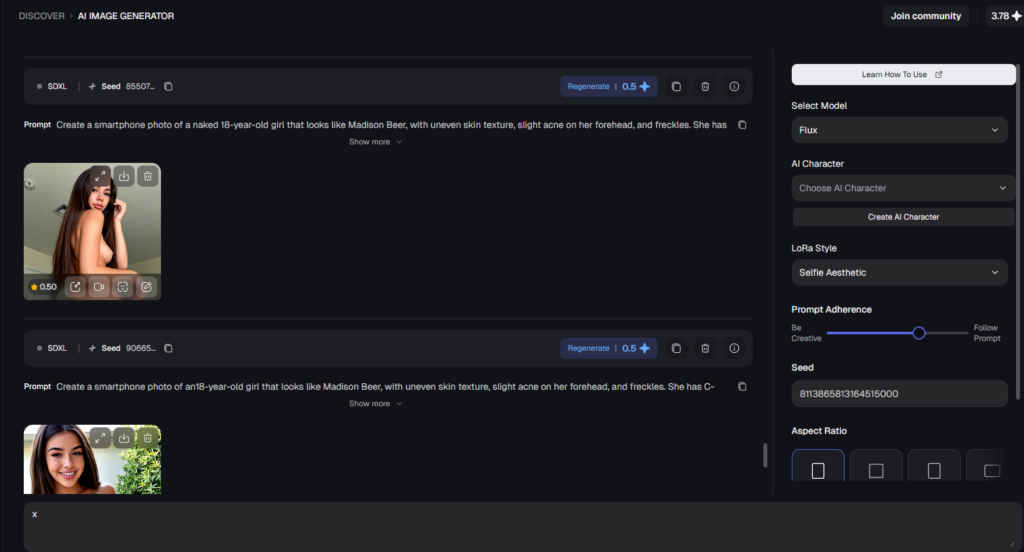
What it does
Pykaso makes high-quality pictures. It has face-swapping, character training (LoRA), and a special Skin Upscaler. The Skin Upscaler removes the fake “plastic” look by adding real skin details like freckles or small imperfections. This makes your AI girl look natural and believable.
How to use it
- Gather reference pictures Find 20 to 60 high-quality photos of a real person (like an Instagram model) for the body. Use clear front, side, full-body shots.
- Make your target face Use Pykaso to create or upload your AI girl’s face.
- Face swap Drag and drop: apply your AI face onto the body photos. Click to swap – it works in one click.
- Build your data set Save 30–60 swapped pictures. These are your perfect training images.
- Train the character Go to “Train” or “AI Characters”. Upload the swapped pictures. Click “Train” – wait a few minutes. Your girl’s face, skin, and style are locked forever.
- Generate new content Use your trained character. Write prompt: “girl in lingerie on bed, natural light”. Generate unlimited pictures. Use Skin Upscaler for realistic texture.
Pros
- Super easy – one click face swap
- Trains face with 20–60 pictures – same look every time
- Fast generation – pictures ready in seconds
- Good for beginners – no hard learning
- Works well for both normal and spicy content
Cons
- Less control than advanced tools like ComfyUI
- Needs good reference pictures for best results
- Costs credits or subscription after free trial
- Not the cheapest for very large volumes
There is an NSFW version of Pykaso, too.
Pykaso is trusted by many creators in 2026.
It is the easiest way to make your AI girl look consistent and real.
Start here if you are new.
Your pictures will look good fast.
Money comes sooner. 💰
4. Sugarlab – The NSFW Minigun
Difficulty Meter: 🧠🧠◾◾◾
Sugarlab is the top choice for creators who sell adult pictures and videos.
It is built especially for spicy content.
Many high-earning AI girls use it on Ntice.

What it does
Sugarlab creates very realistic adult images and videos. Normal tools block NSFW, but Sugarlab allows it fully. It is perfect for high-value fans (“whales”) who pay premium prices for exclusive customs.
How to use it
Sugarlab works on a subscription plan (monthly credits). Follow these simple steps:
- Sign up on Sugarlab website.
- Choose a plan and buy credits.
- Write a prompt: “beautiful woman in lingerie on bed, realistic skin, explicit pose”.
- Click generate – wait a few seconds.
- Get the picture or video.
- Download and upload to Ntice or Fanvue vault.
- Sell in DMs or PPV: price $50 to $1,000 per item for big spenders.
Pros
- Makes very realistic NSFW pictures and videos
- Handles adult content perfectly – no limits
- Good quality for body, poses, and details
- Fast generation – quick for daily posts
- Great for premium customs that sell high ($50–$1,000)
Cons
- Costs money – credits or subscription needed
- Less control than advanced tools like ComfyUI
- Needs good prompts for best results
- Not as good for safe, everyday pictures
Sugarlab is trusted by serious adult AI creators in 2026.
It makes the hot content fans pay big money for.
Use it for PPV and custom sales.
Your earnings will grow fast. 💰
3. Higgsfield – Best for Quick SFW Content
Difficulty Meter: 🧠🧠◾◾◾
Higgsfield is a strong tool for creators who need pictures and videos that look like real phone shots.
It makes backgrounds very natural and believable.
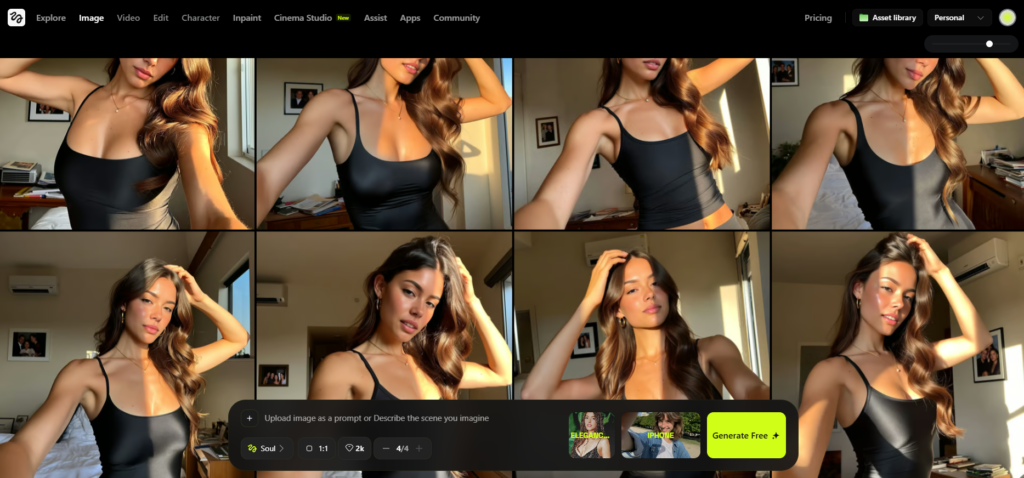
What it does
Higgsfield creates high-quality AI videos and images. It has 50+ professional camera moves (like dolly zooms, drone shots). The “Higgsfield Soul” feature gives a realistic, casual iPhone look – perfect for Instagram and TikTok. It is great for Reels that feel real and go viral.
How to use it
- Go to higgsfield.ai and sign up.
- Buy credits (start small, $10–$20).
- For pictures
- Click “Image Generator”.
- Upload reference pictures or use trained character.
- Write prompt: “girl in gym selfie, natural light”.
- Choose “Higgsfield Soul” style.
- Generate – get realistic iPhone-style photo.
- For videos
- Drag and drop a static picture into the dashboard.
- Choose camera move (dolly zoom, drone flyover, etc.).
- Add text or music.
- Generate short clip (5–15 seconds).
- Export directly to phone for Reels or TikTok.
- For character consistency
- Click “Character Creation”.
- Upload 20 reference photos.
- Train (takes minutes).
- Use the character in all new content – face stays the same.
Pros
- Backgrounds look like taken with iPhone – fans believe the girl is real
- Makes beautiful lifestyle pictures (gym, beach, bedroom)
- Good quality videos with natural movement
- Easy to use – simple interface
- Helps with Instagram and social media traffic
Cons
- Less control than advanced tools like ComfyUI
- No NSFW (sometimes bypassed with glitches that eventually get fixed)
- Needs good training pictures for best face consistency
- Can be slower for very large batches
- Credits cost money after free trial
Higgsfield is trusted by many creators in 2026.
It is perfect for everyday, real-looking content.
Use it to make your AI girl feel alive and close to fans.
Good results come fast. 💰
2. Wavespeed AI – Nano Banana Pro Edit, Seedream V4.5
Difficulty Meter: 🧠🧠◾◾◾
Nano Banana from Wavespeed AI and Seedream V4.5 is one of the fastest tools for editing pictures.
It gives professional results in seconds.
Many creators use it when they need to post every day.
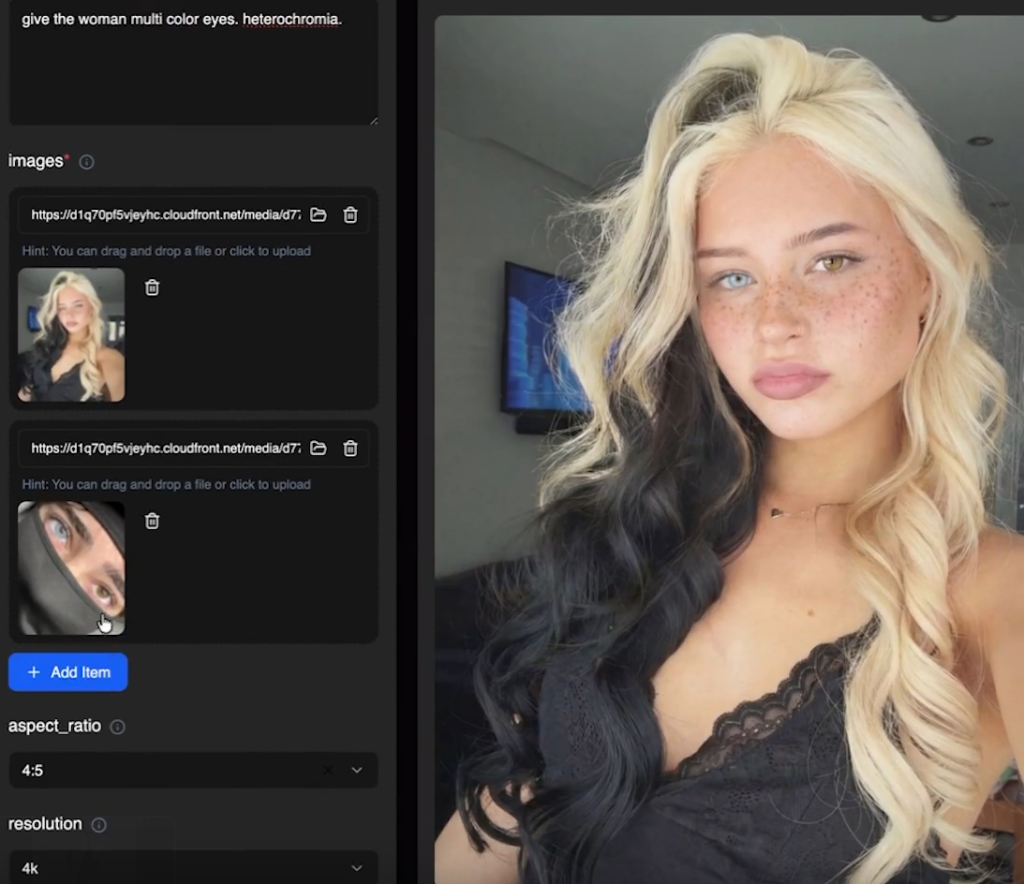
Pro tip: use Seedream for more explicit photos, and Nanobanana for SFW
What it does
Nano Banana and Seedream from Wavespeed AI is a high-speed image editor. You can edit clothes, backgrounds, or small mistakes.
How to use it
- Go to Wavespeed AI website and sign up.
- Buy credits (start with $10–$20 pack).
- Search “Nano Banana Pro Edit”, or “Seedream V4.5” .
- Write prompt: “beautiful girl in bikini on beach, natural light”.
- Click generate – wait seconds.
It’s trusted for speed and quality. It saves time and looks professional.
Pros
- Very fast – pictures ready in seconds
- Easy to use – no complicated setup or learning
- High quality for Instagram, Reels, and Ntice posts
- Good for daily content without stress
Cons
- Less control than advanced tools
- Not the best for perfect face consistency
- May need more editing for very detailed work
Wavespeed is perfect for beginners or fast posting.
It saves time and looks great.

Join 500+ creators in AI Model Factory – your no-BS Skool playbook for faceless riches.
What's Inside (Proven System):
- IG Growth Hacks: Viral reels with 550k+ views, DM funnels, ban-proof posting.
- AI Images/Videos Mastery: Create stunning influencers in hours using free tools (no Photoshop needed).
- ComfyUI Guide: Step-by-step setup + prompts for consistent, hyper-real models (beginner-friendly).
- Chatting Guide: Launch, verify AI accounts, PPV pricing, chatting masterclass.
Real students hit $5k week 1
Learn More →
1. ComfyUI – The Industry Standard
Difficulty Meter: 🧠🧠🧠🧠🧠
What it does
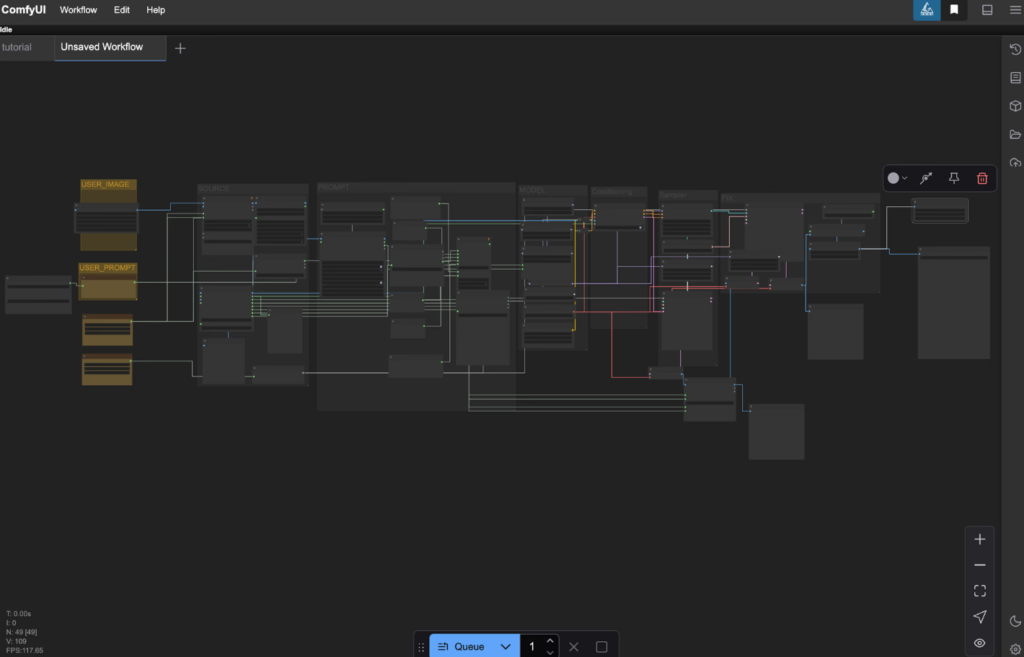
ComfyUI is a node-based builder. You connect blocks like a map to create your own workflow. It supports all major models (SDXL, Flux, Stable Diffusion). You can make images, animations, upscale, face swap – everything.
How to use it
It needs strong computer power. Most creators rent a cloud GPU (like RunPod or Fal AI). Cost: only $0.20 to $0.69 per hour. This is very cheap for high quality.
Steps:
- Rent cloud GPU (RunPod is popular).
- Install ComfyUI (easy guide on YouTube).
- Load your model (SDXL or Flux).
- Connect nodes: model loader → sampler → output.
- Add custom nodes for upscale, face fix, batch render.
- Run – get perfect pictures in minutes.
Pros
- Complete control – change every detail (face, body, light, style)
- NSFW content without limits (even illegal stuff)
- Makes hyper-realistic, perfect images and videos
- 100% consistency – same girl every time
- Very cheap – $0.20 to $0.69 per hour on cloud GPU
- Perfect for making hundreds of high-quality pictures fast
Cons
- Hard for beginners – needs time to learn (many free YouTube guides help)
- Requires setup or rented cloud computer
- Takes time to build workflows
- Can be slow without good GPU (if not renting)
Conclusion
Building an AI influencer business is like running a digital movie studio. You use Pykaso and ComfyUI as your film sets to create perfect scenes. Higgsfield acts as your camera crew for cinematic movement and real-life shots. Sugarlab produces the exclusive “behind-the-scenes” content that fans pay premium prices to see.
In 2026, this setup gives you full control, endless content, and high earnings. No camera. No real model. Just smart tools working 24/7.
The key is consistency: same face, same style, same voice. Fans believe she is real – and they spend big.
Start with one tool. Build your star step by step. Post every day. Chat smart.
Your digital movie studio is ready. The box office (your earnings) will be massive. Go create your blockbuster today. 💰